ChatGPT plays White
The model evaluates the complete board and chooses one legal response. No separate model API, opening book, or hidden engine.
 ChessStandard chess
 Weiqi19 × 19 Go
 JunqiFace-up Luzhanqi
 Checkers121-hole star
 GomokuFive in a row
 2048Sliding tiles
OffshootIdeas canvas
 StocksGlobal equity terminal
 TranslateStructure-aware translation
 Photo to RecipePhoto recipe journal
 Photo to PixelSquare pixel studio
 Word Cloud StudioWord cloud design
 Doodle ChartsFile analysis and charts
How it works
Support
Privacy
Available nowIn review
Add Gomoku
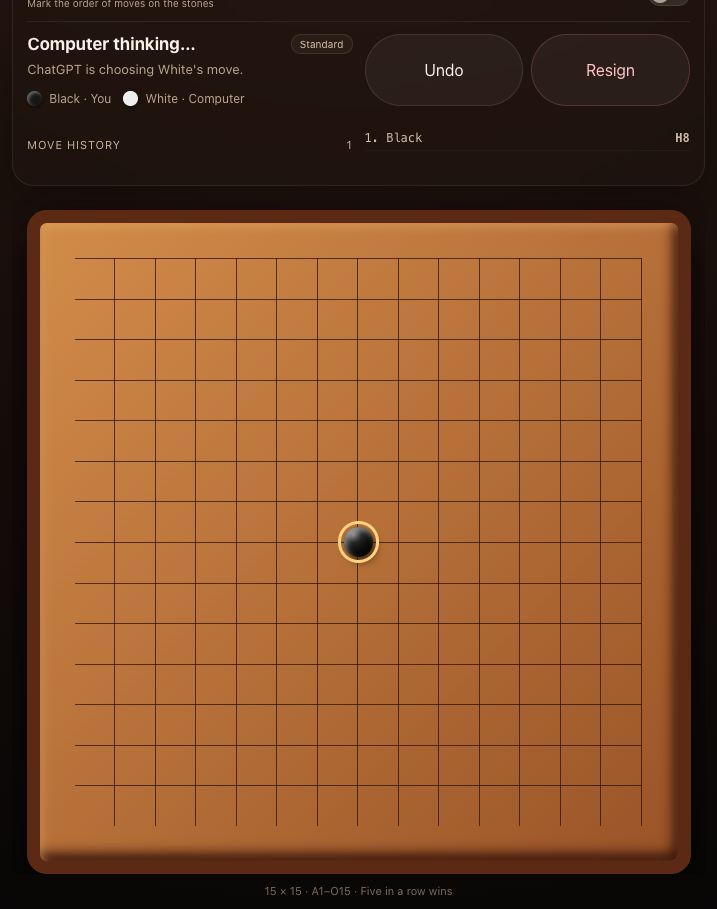
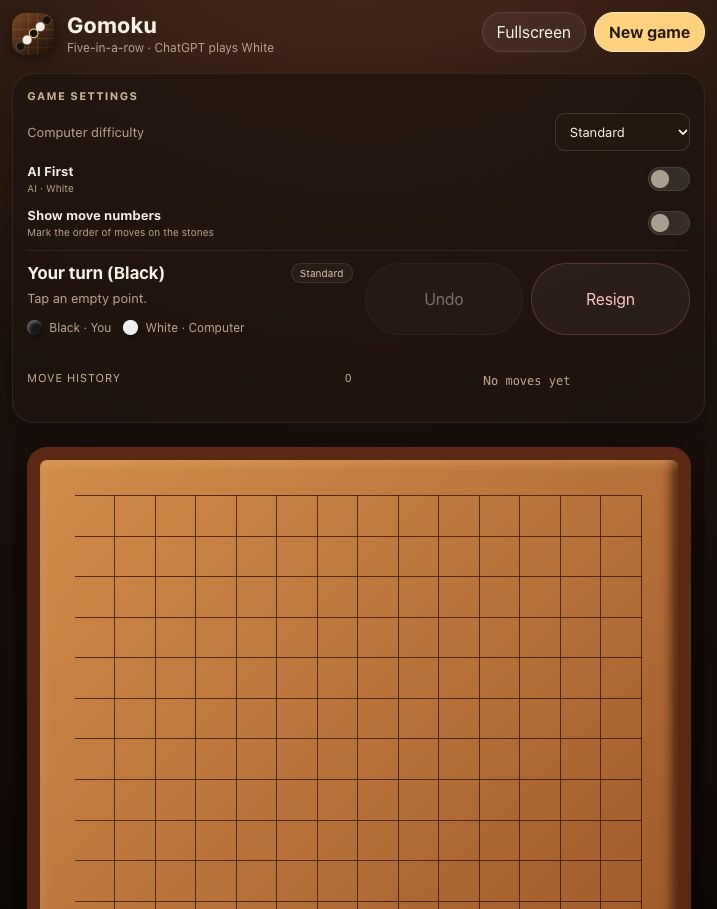
Play 15×15 Gomoku against ChatGPT on a crisp fullscreen board. You control Black; ChatGPT reads the complete position and chooses every White move according to your selected difficulty.
The model evaluates the complete board and chooses one legal response. No separate model API, opening book, or hidden engine.
Choose easy, standard, or hard guidance. Start with Black or enable AI First, then use undo and confirmed resignation.
Responsive layout, five-language-family scripts with 55 interface locales, right-to-left support, and optional move-order labels.
Choose Install plugin on the Gomoku page in the ChatGPT plugin directory.
The board starts a playable human-first game automatically.
ChatGPT selects White and the existing board updates without opening another tab.
Public MCP endpoint: https://iplugin.dev/gomoku/mcp