Prose moves. Structure stays.
Headings, lists, quotes and table cells are translated. Code fences, inline code, link targets, HTML blocks and front matter are left alone.
 ChessStandard chess
 Weiqi19 × 19 Go
 JunqiFace-up Luzhanqi
 Checkers121-hole star
 GomokuFive in a row
 2048Sliding tiles
OffshootIdeas canvas
 StocksGlobal equity terminal
 TranslateStructure-aware translation
 Photo to RecipePhoto recipe journal
 Photo to PixelSquare pixel studio
 Word Cloud StudioWord cloud design
 Doodle ChartsFile analysis and charts
How it works
Support
Privacy
Available nowIn review
Add Translate
Markdown, JSON files and web pages keep their headings, keys, code, links and placeholders while ChatGPT translates the prose. Every batch is checked before the original document is rebuilt around the new text.
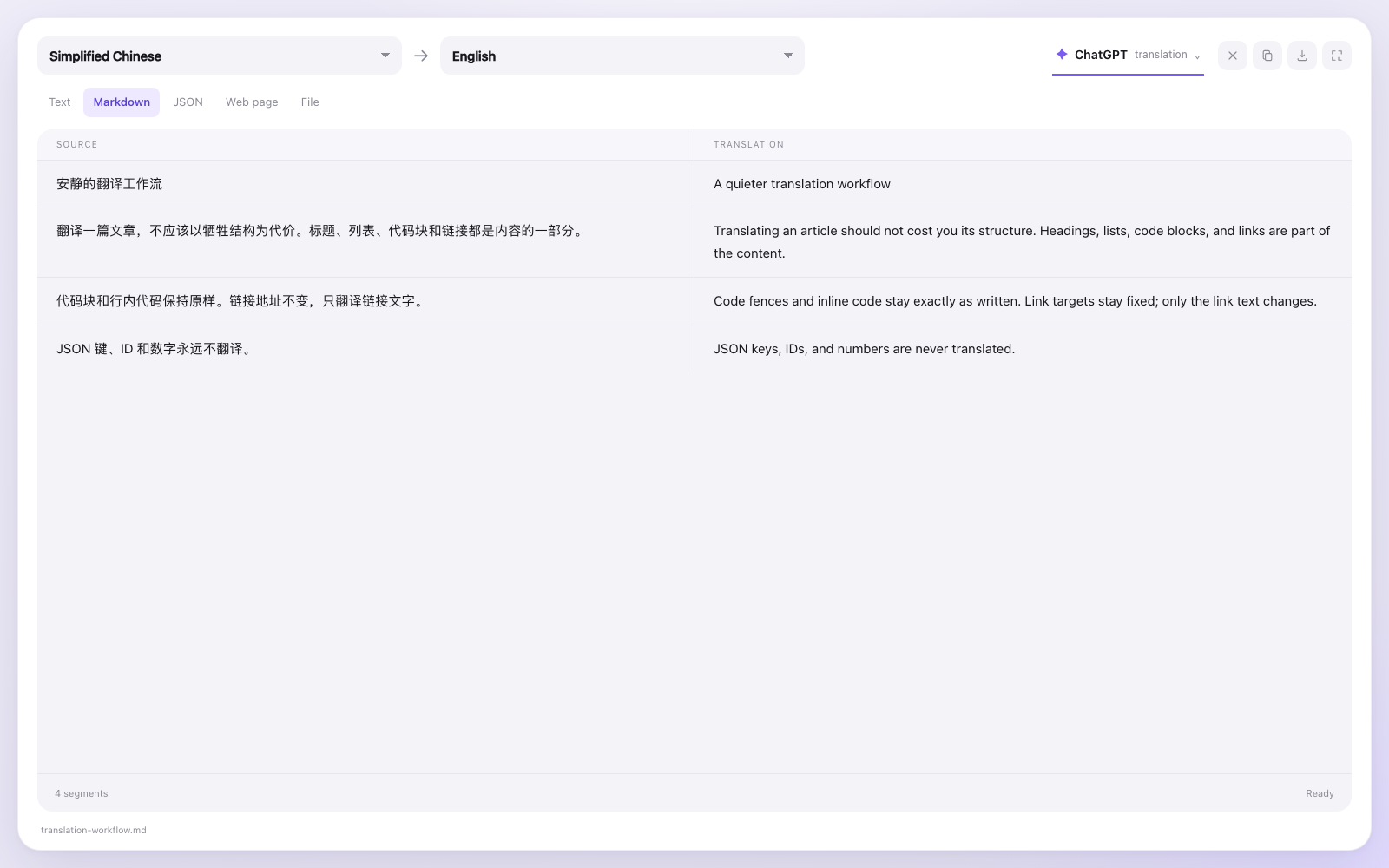
Headings, lists, quotes and table cells are translated. Code fences, inline code, link targets, HTML blocks and front matter are left alone.
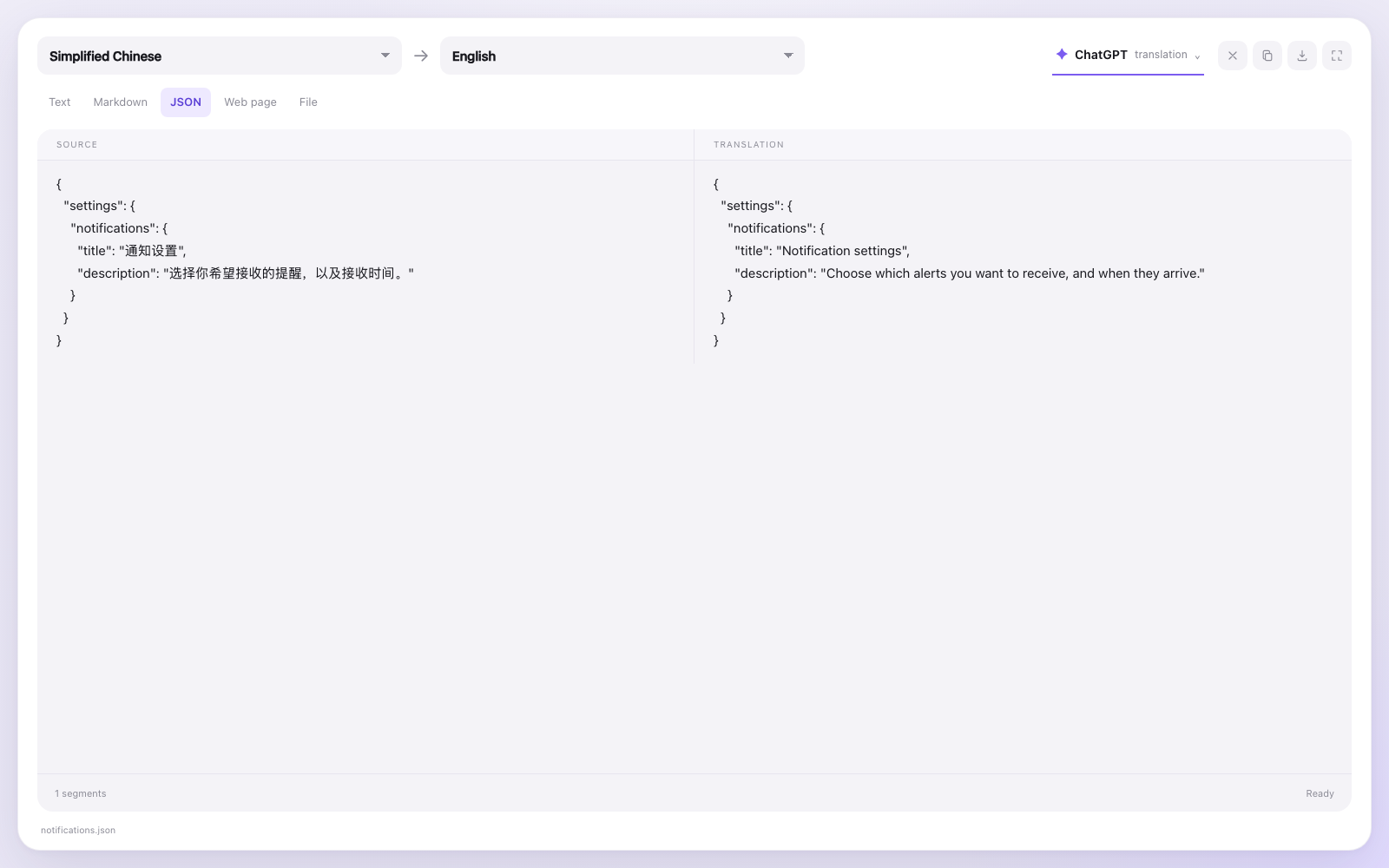
Keys, IDs, numbers, booleans, URLs and ABC_123-style identifiers never enter the translator. The rebuilt file keeps the original indentation and key order.
The server fetches a public URL, strips navigation, filters, footers and scripts, and converts the readable article into Markdown before segmenting it.
Translation is a language task, so the model does it. Rebuilding a file is a structural task, so the server does it. The result is a clean handoff instead of a whole document pushed through a chat window.
{placeholders} become numbered tokens the model must keep.A translate batch sees only the title, message prose and the placeholder — never the key names, URL, id or count.
Add iPlugin Translate to a ChatGPT client that supports custom MCP servers, then open it from the sidebar or ask ChatGPT to translate a document.
https://iplugin.dev/translate/mcpAdd it from its review or installation link. No account or API key is required.
Paste text, attach a .md / .json / .txt file, or give a public article URL.
ChatGPT translates in batches; the right pane shows the rebuilt translation, ready to copy or download.
Session-only: documents stay in server memory for up to two hours and are never written to disk. Only public web pages are fetched; private and local addresses are refused.